You've got hands for the mowing.
TurfHand is the one for everything else: estimates, routes, invoices, and chasing the checks that never showed up.
It doesn't cut grass. It handles the office side, so you're not doing paperwork at nine at night.
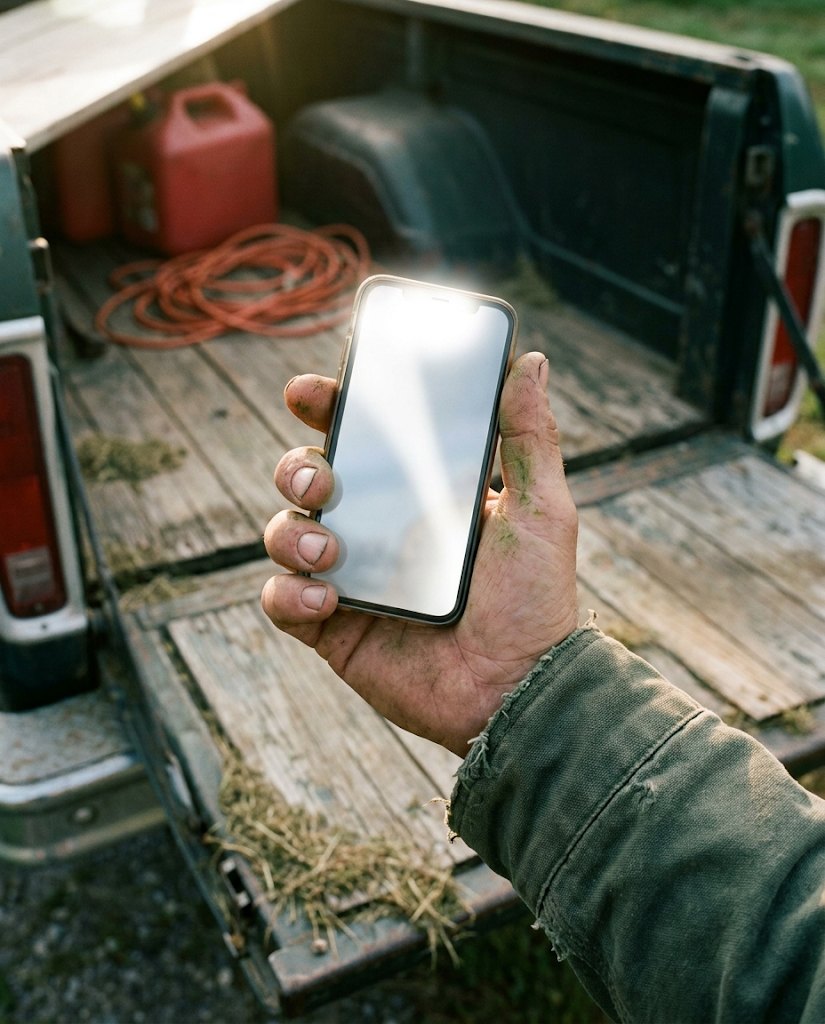
- Built tomorrow's route19 stops, Miller's moved for rain
- Sent 4 estimatesYour prices on the lines, one tap to accept
- Invoiced 23 jobsOut before you parked the truck
- Chased 6 late payersSecond notice. Two paid already.
- Totalled crew hoursReady for payroll Friday
The help you'd hire if you could justify the wage. You can justify this one.
What the hand does
All the work that piles up around the mowing.
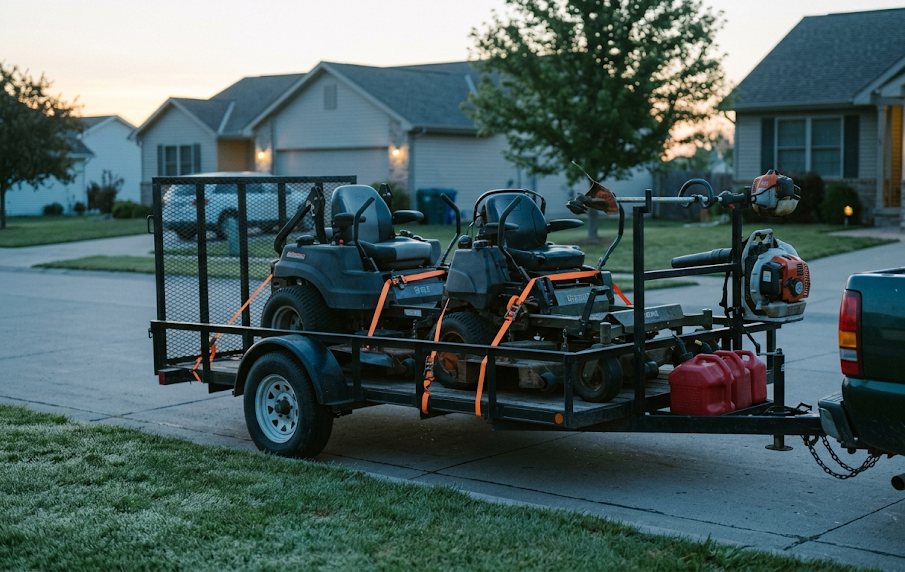
Builds the route
Groups the stops by crew and puts them in the order that burns the least fuel. Move a stop for rain and the rest of the day re-sequences itself. The foreman can reorder what's left from the truck.
Writes the estimate
Takes the request off your website, puts your prices on the lines, sends the quote. When they tap accept, the customer, the property and the schedule are already on the books. Nothing re-keyed.
Sends the invoice
Job gets marked done, invoice goes out by text and email with a link to pay. Card on file gets charged on the spot. No stack of tickets on the dash, no Sunday afternoon catching up.
Chases the money
Knows who's late and how late. One tap sends the reminder you keep meaning to send, to one of them or all of them. Knock a few dollars off for paying online and fewer of them go late.
Keeps the hours
Clock in from the phone in the truck, breaks and overtime figured, GPS on every punch. Totals by employee, ready as a QuickBooks file for whoever runs your payroll.
Tells you where it went
What you billed and what actually came in, by the month. Who owes you and for how long. The finished work nobody invoiced yet. The numbers you'd otherwise get in February.
- Chemical application log, ready for the state inspector
- Customer texts and emails, sent under your name
- A place your customers can see their visits and pay
- Crew phones: today's stops, one-tap status, photos
- Mower and truck maintenance, by the hour meter
- Job requests straight off your website
More trucks. Same standard.
At one truck the standard is you, because you're on every lawn. By the third crew you can't be. TurfHand carries the way you do it out to every truck, as steps the crew can't skip.
You set it up once. It rides along on every stop whether you're there or not, so you can hire the next one without wondering what the lawns look like when you're not around.
No photo, no done
A crew can't mark a lawn finished until there's a picture of it. You see every yard without driving past it, and so does the customer.
No skip without a reason
A skipped stop needs a written why, so "we didn't get to it" doesn't turn up three weeks later as a phone call.
Your list, start and end of day
Blades, chains, hour meters, whatever you'd check yourself. Nobody clocks in or out until it's done, and a skipped item needs a reason that lands on your desk.
The right word at the right stop
Write "dog in the back, latch the gate" once. It comes up on the phone the moment the crew taps Started at that address.
The right crew at the right house
If a customer only wants one crew, or never wants another one back, the schedule holds to it. You get asked before anybody moves around it.
Licensed hands on the chemicals
The spray record won't save under an expired license, and a rate off the label needs a written note. The log stays clean as you add applicators.
Ask it like you'd ask a person.
You don't have to learn the screens. Hook TurfHand up to the AI assistant you already use, Claude or ChatGPT or whichever, and tell it what you need in plain words.
- Hand it last year's customer list. The spreadsheet, the way it is. It loads every customer, property and mowing schedule and flags the ones that look like doubles.
- Ask it what you'd ask a bookkeeper. Who's overdue. What came in this month. What we finished last week that never got invoiced.
- Ask it what you'd ask a foreman. How long is Tuesday's route. Who worked the Henderson dispatch. Which mower is past due for service.
You approve it once, with your own login. It acts as you and never more. It can't move money or delete anything. Every action is logged, and you can cut it off in one click.
Built in the shop, not in an office park
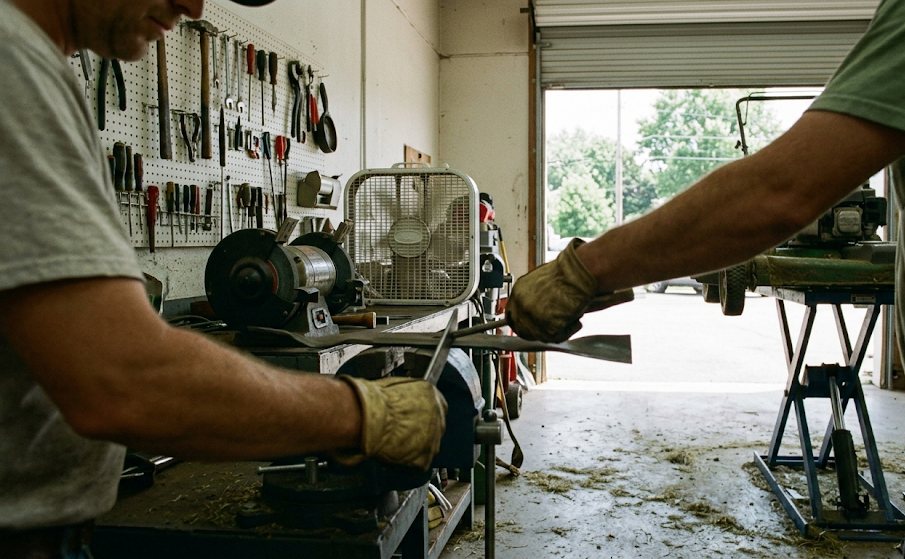
TurfHand started at Clippy's Lawn because the paperwork was eating our nights. We tried the big platforms. They were priced for companies with a dispatcher and built by people who've never loaded a trailer in the rain.
So we built our own. Every feature in here was built for our business and used on our own route first. If it didn't hold up on a Tuesday in July, it didn't make it in.
We still mow. That's the point.
Hire it by the month
Think of it as a wage, not a software bill. Here's what the same work costs the other way.
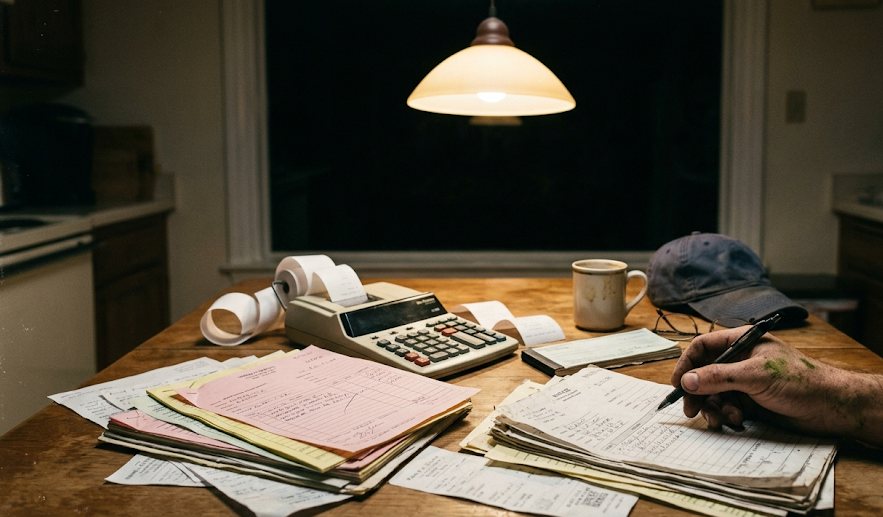
Part-time office help
- 20 hours a week at $17
- Payroll tax on top
- Training, and again when they leave
- Works when they're scheduled
TurfHand, founding rate
- Free until we're satisfied it runs your route as well as it runs ours. We load your customer list.
- Then a reduced monthly rate, locked in for as long as you stay
- Unlimited crews and stops. No setup fee, no contract.
- Works Sundays and at 5 a.m.
- Cancel the month you stop mowing
The founding rate lands under a tank of diesel a month, for the one job nobody on your crew wants. It's low because you're early, and it stays low because you were.
Founding crews are the first outfits on it. You use it for real, you tell us what's missing, and we fix that first.
Put a hand on the office side.
Free while we prove it out on other outfits' routes, not just ours. Bring your customer list and we'll load it for you.
- A reduced rate, for life. The founding rate is locked for as long as you stay, not just year one.
- Your list, loaded. Customers, properties, schedules. Send it in whatever shape it's in.
- A say in what gets built. The thing that bugs you on a Tuesday is the thing we fix next.
- Talk to somebody who mows. Same people who built it, same people who answer the email. Write straight to us any time.
Rather write than fill in a form? hello@turfhand.com
Put it to work
Tell us about the outfit. Somebody who mows will get back to you within a business day.
Questions, before you ask.
Didn't find it? Email hello@turfhand.com. A person answers.

Does it cut grass?
No. TurfHand is the office side: the estimates, the routes, the invoices, the late payers, the crew hours. You keep the mowers. It keeps the desk.
Is it a fit for my outfit?
It is if you mow and treat lawns on a schedule, run one crew or a few, and the office work lands on you after the day's done. That's the business it was built on. It isn't a fit yet if your crews spend most of the day out of cell coverage, because the phone app that works offline is still coming. It also isn't a fit if you need a live QuickBooks connection rather than a payroll file you import.
Can I grow without the work getting sloppy?
That's most of what it's for. Once you can't be on every lawn, the way you do it has to ride along without you. Crews can't mark a lawn done without a photo, can't skip a stop without saying why, and can't clock in or out until your start- and end-of-day list is done. What you write about a property comes up on the phone when they get there. Add crews as you go; nothing caps how many.
Is it ready to use today?
It's running the route at Clippy's Lawn every day. It is early, and we're bringing on a small number of founding crews so we can look after each one properly. That's why the founding rate exists.
What does a founding crew get?
Free while we prove it out. Everything in it has run Clippy's Lawn for a season; the founding period is us making sure it runs your business the same way, and you pay nothing until we're satisfied it does. Your customer list gets loaded for you. When the founding period ends you move to a reduced monthly rate that stays where it is for as long as you're with us. And you can email the people who built it directly.
Do my crews need to install anything?
No. Today's stops, clock-in, job status and photos all work in the phone's browser. There's a phone app on the way for crews who work out of coverage, and nothing changes for you when it lands.
Will it work with QuickBooks?
Hours and overtime come out as a QuickBooks-ready payroll file after you've looked them over. We're not trying to replace your accountant. A direct QuickBooks connection is on the list, not built yet.
What about fertilizer and weed control?
Handled. An approved product list with EPA numbers, treatment plans you set up once and reuse, scheduled rounds, and a permanent application log that satisfies state commercial-applicator record-keeping. Customers get their notice of application automatically.
Do my customers see my name or yours?
Yours. The texts, the emails, the invoices and the page where they pay all carry your business's name. TurfHand stays in the back.
How does the AI part work, and is it safe?
You connect an assistant you already use, like Claude or ChatGPT, and approve it once with your own TurfHand login. From then on it acts as you, with your permissions and never more. It can read your customers, money, dispatches, hours, staff and equipment, and it can add or update customers and schedules. It can't move money, send messages or delete anything. Every action is logged, and you can shut it off any time.
How do I say what it is to another crew?
It's like having an office hand. That's the whole pitch.
Where are you?
Omaha, Nebraska. The software is built for US operations, and the people answering the email are the ones running the mowers.